
Add Products in your “Import” Tab
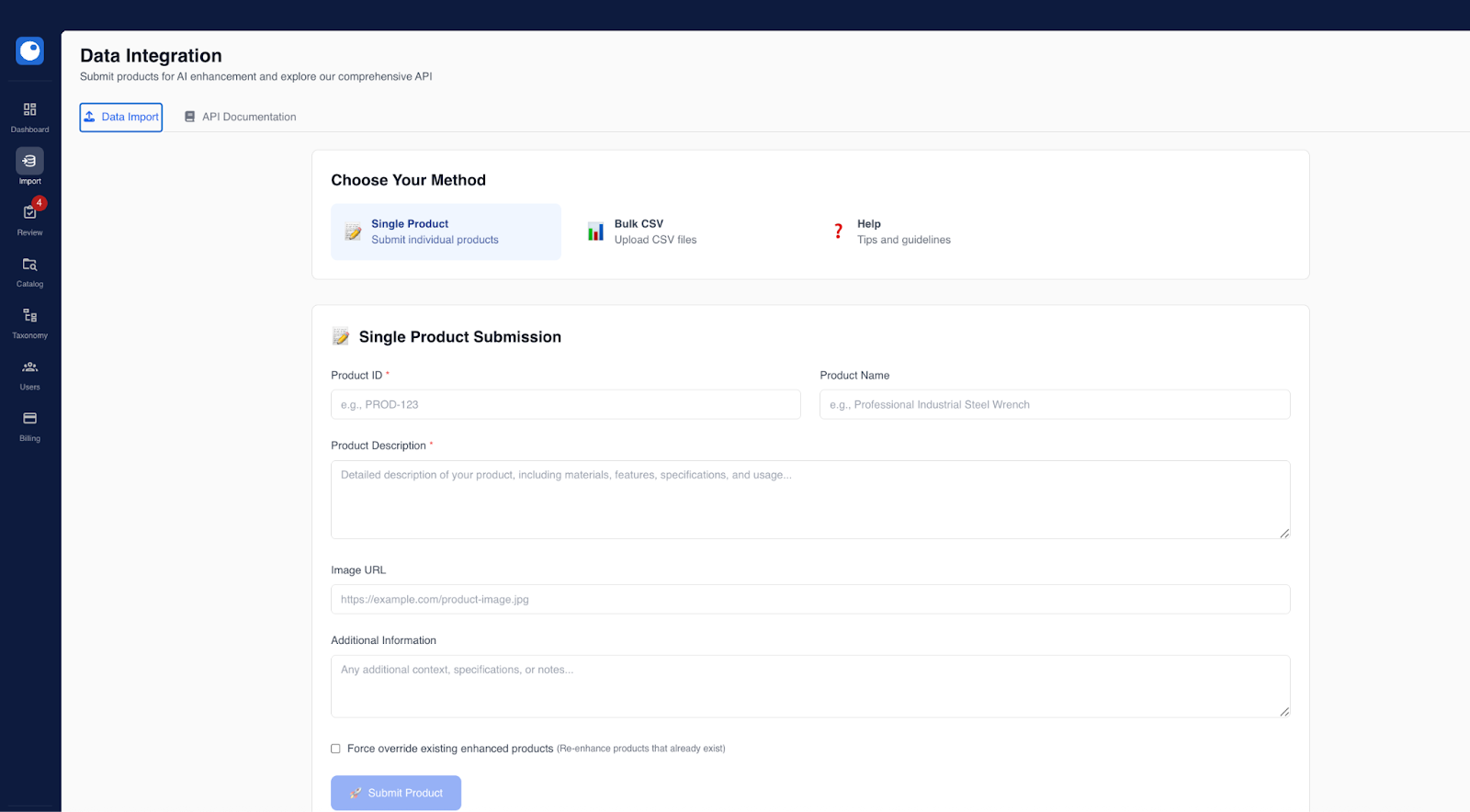
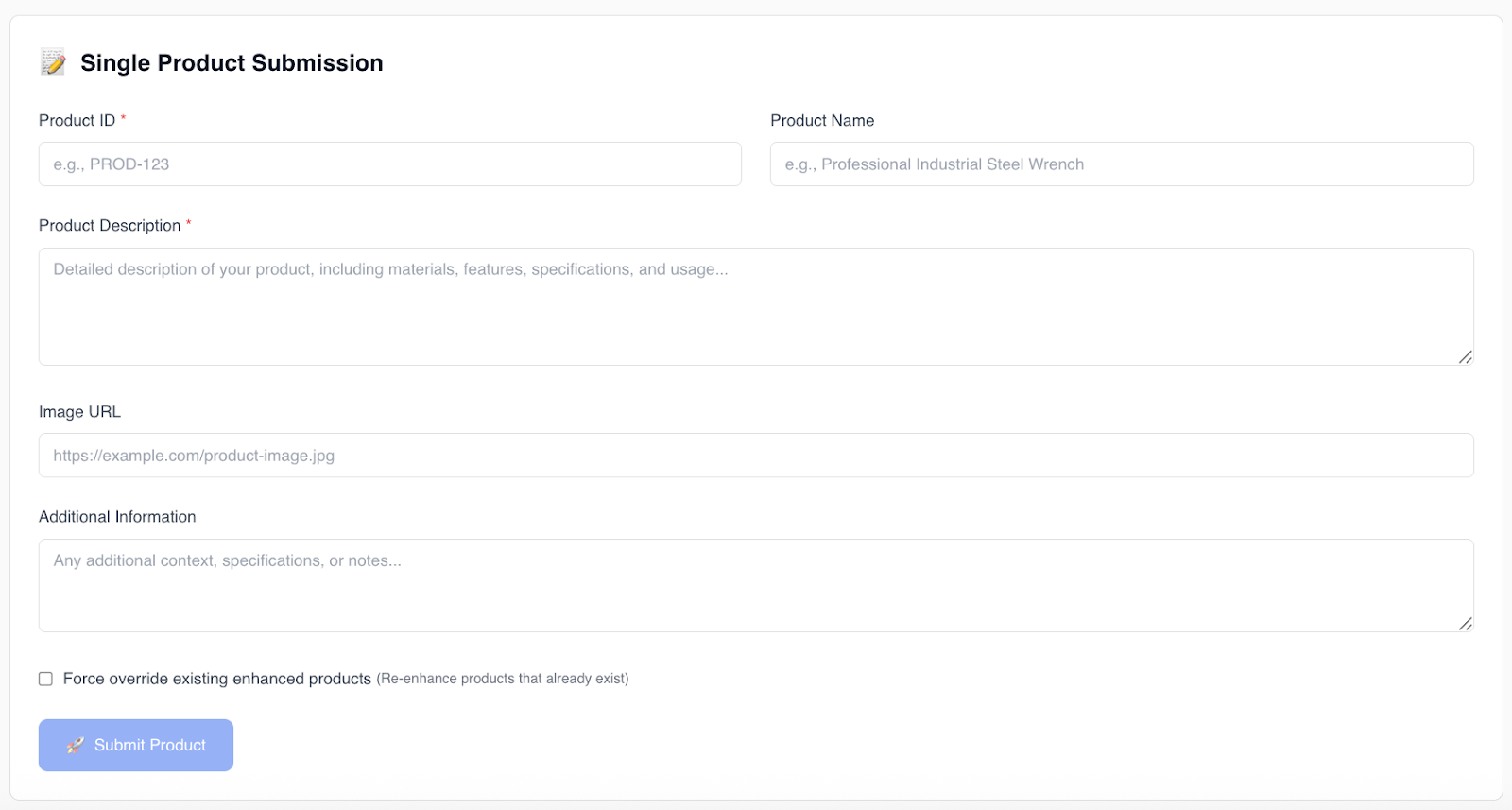
Products enter Proton PIM in one of two ways:
- Single product creation for small updates or testing
- Bulk CSV upload for larger catalogs
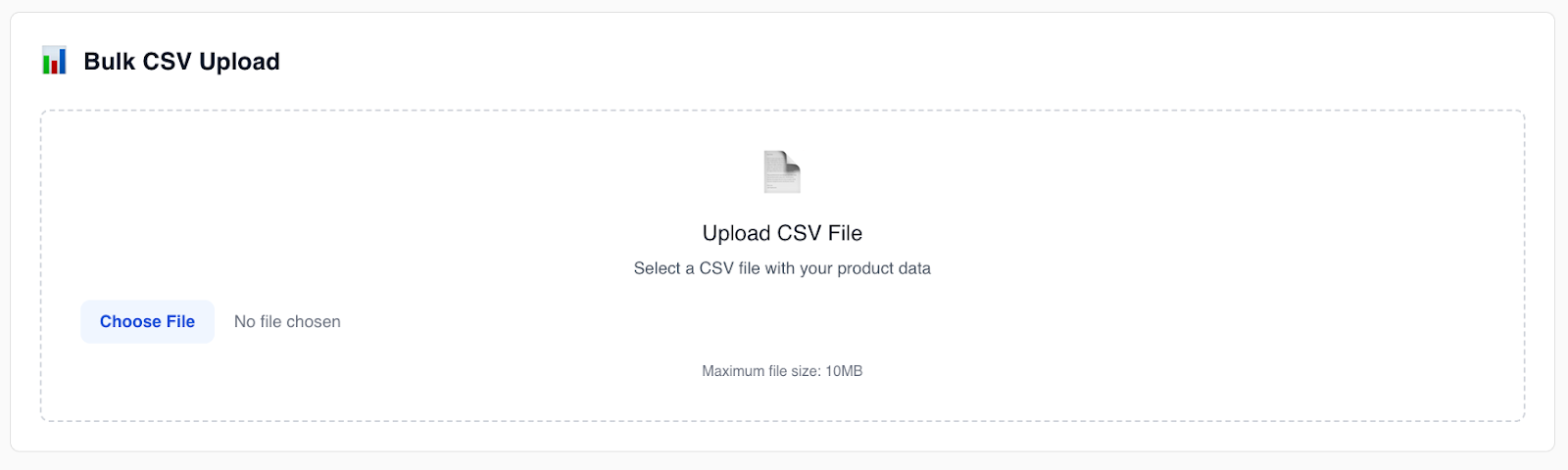
At minimum, each product must include:
- Product ID
- Product description
Additional data improves enrichment quality.
Manage & Maintain Product Data
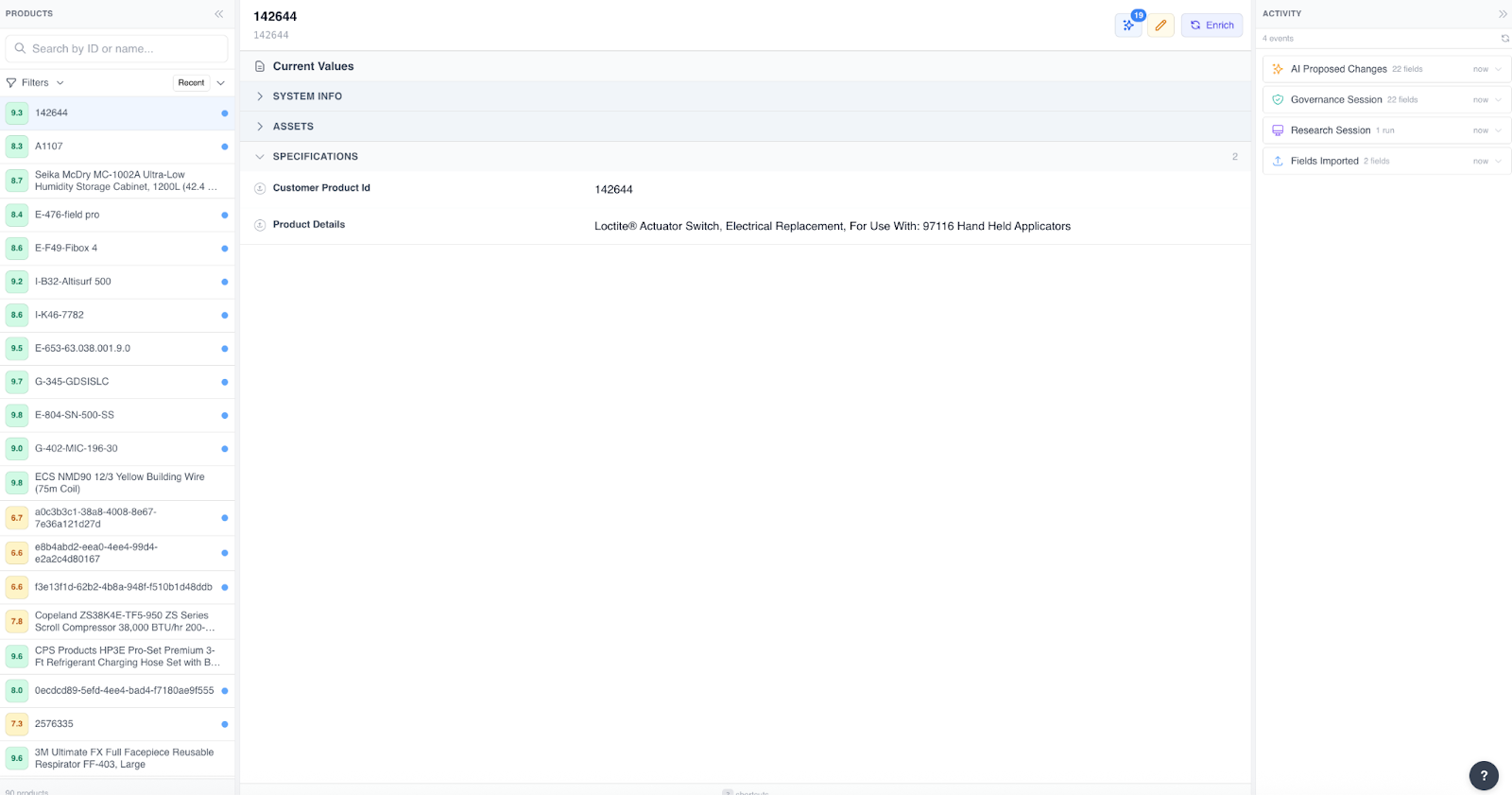
From your Products page, teams can:
- Search by Product ID or name and filter products
- Enrich products
- Make updates as data changes
- Maintain consistent product information over time
This allows product data to stay accurate as catalogs evolve.
Optional Step: Enrichment
Once products are added, you can select one or multiple products to enrich.
During this step, Proton PIM generates structured product data using available inputs and trusted sources.
You can view active or completed enrichment jobs in your Products tab or in the “Recent Jobs” section of your Dashboard.
Export or Integrate Product Data
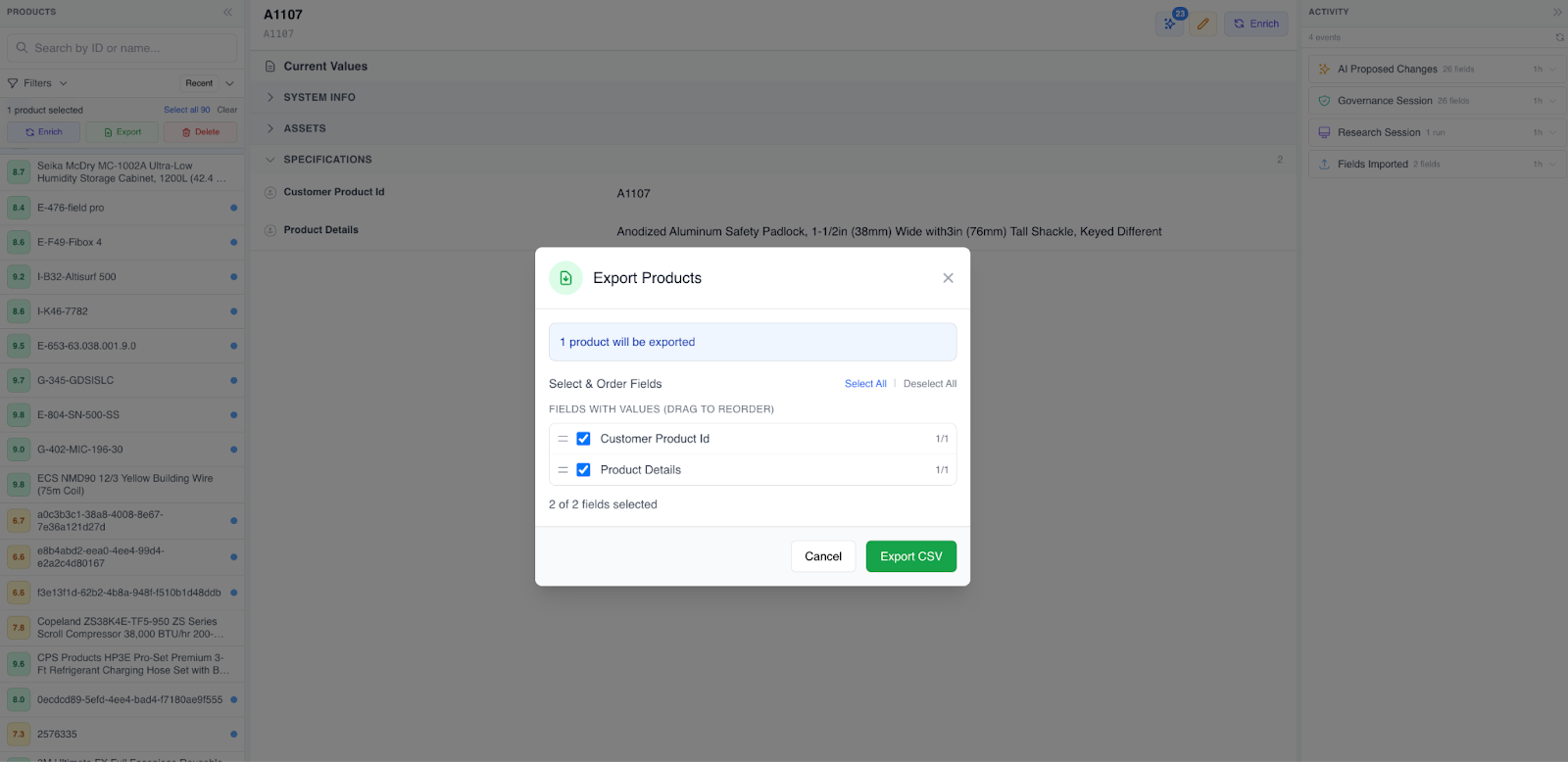
Product data can be:
- Exported via CSV
- Used in other Proton tools
- Integrated with external systems like ERPs, CRMs, or ecommerce platforms
Putting It All Together
The Proton PIM workflow is designed to:
- Scale product onboarding
- Improve data quality
- Maintain governance and control
- Reduce manual cleanup over time
Each step builds on the last, ensuring product data is accurate before it’s shared or activated elsewhere.